“How do I build a mobile app from scratch?” usually hides a bigger question: should you build it at all, and if so, on which platform, with what team, and in what order? The coding is rarely the hard part. The expensive mistakes happen earlier — building the wrong feature set, choosing a stack that boxes you in, or launching before you know who the app is for. This guide walks the decisions in the order you actually face them, so you can plan a first release you can afford and extend. It’s cross-platform by design; if you already know Android is your only target, our guide to creating an Android app goes deeper on that path.
Start with validation, not features
Most failed apps were built for a problem the founder assumed existed. Before design or development, confirm three things: a specific audience feels a specific pain often enough to change behaviour, they can’t solve it well with what they already use, and reaching them is realistic. You can test this without writing a line of app code — a landing page, a clickable prototype in Figma, a manual “concierge” version run over WhatsApp or a spreadsheet. If people won’t engage with a fake door, they won’t download a real one. Write down the one job your app does better than the alternatives; if you can’t say it in a sentence, the scope isn’t ready yet.
Scope the MVP: the smallest useful version
An MVP is not a cheap, broken version of the full app. It’s the smallest release that delivers the core value and lets real users teach you what to build next. The discipline is subtraction. List every feature you imagine, then sort them into “the app is pointless without this,” “important but can wait,” and “someday.” Only the first bucket ships in v1.
Be honest about what belongs in the core. A ride-hailing app needs booking, matching, and payment — not in-app chat, loyalty points, and driver ratings on day one. Cutting features feels like weakness; it’s actually the difference between shipping in months and shipping “eventually.”
The platform decision: iOS, Android, or both — native or cross-platform
This choice has the largest long-term cost impact, so make it deliberately rather than by default.
First, which platforms? Look at where your users are, not where you are. iOS users tend to spend more per head and dominate in markets like the US, Western Europe, and Japan; Android has far larger reach across India, Southeast Asia, Africa, and Latin America. If your audience is regional, that may settle it. If you need both from launch, the next question is how.
Native (Swift for iOS, Kotlin for Android)
Two separate codebases, each using the platform’s own tools. You get the best performance, immediate access to new OS features, and the smoothest fit with device hardware — camera, sensors, background processing, secure payments. The cost is duplication: two builds, often two specialists, two sets of bugs. Choose native when performance or deep hardware access is central, or when the two platforms need genuinely different experiences.
Cross-platform (Flutter, React Native)
One codebase that ships to both stores. This can meaningfully cut cost and time when the UI is fairly standard and you need iOS and Android together. Flutter (Dart) renders its own consistent UI and is strong for design-driven apps; React Native (JavaScript/TypeScript) is a natural fit if your team already lives in the React ecosystem and you want to share logic with a web app. The trade-off is a dependency on the framework and the occasional need to drop into native code for a platform-specific feature. For most startups building a standard product for both platforms, this is the pragmatic default — see our take on Flutter app development.
A useful rule: cross-platform unless you have a concrete reason not to. “It might need to be super fast someday” is not a concrete reason; “it’s a real-time video editor” is.
You will need a backend (probably)
The app on the phone is only half the product. The moment you have user accounts, data that syncs between devices, payments, or content you update without shipping a new app version, you need a backend. Two broad routes:
- Backend-as-a-service (Firebase, Supabase, AWS Amplify) gives you authentication, a database, storage, and push out of the box. It’s the fastest way to launch an MVP, though complex custom business logic eventually strains it.
- A custom backend (a Node.js, Python, or similar API with your own database) costs more up front but gives you full control over logic, data, and scaling. Choose it when the app is the backend — marketplaces, fintech, anything with intricate rules or serious data-ownership needs.
Whatever you pick, define the API contract — what the app asks for and what the server returns — before building screens against it. Retrofitting a clean data layer later is one of the most expensive rewrites there is.
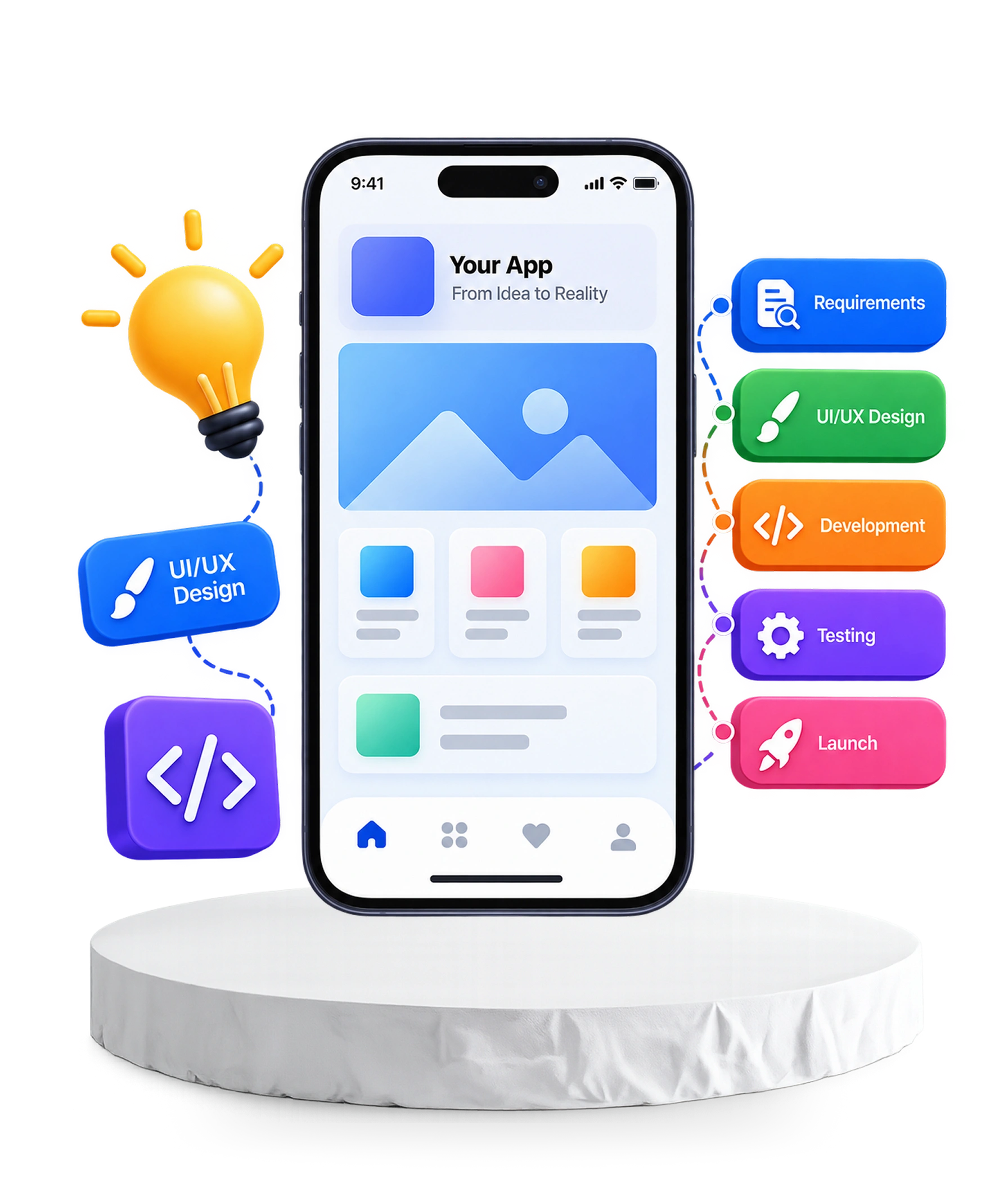
The end-to-end process
A production app moves through the same phases whether you build solo or with a studio. Skipping phases is the most reliable way to blow the budget.
- Discovery and scoping. Lock the problem, the MVP feature list, and the constraints (offline use, languages, accessibility, compliance). Write down what you are deliberately not building.
- UX and UI design. Wireframes first to prove the flow, then a visual design that respects each platform’s conventions. Design the empty, loading, and error states, not just the happy path.
- Architecture and setup. Choose the stack, structure the data layer, set up version control and a CI/CD pipeline so every build is testable and shippable.
- Development in vertical slices. Build one feature working end to end — UI, logic, backend — before starting the next. This surfaces integration problems in week two instead of month four.
- QA and testing. Automated tests for logic and critical flows, plus real-device testing across screen sizes and OS versions — simulators miss real-world bugs, so test on the devices your users actually own.
- Launch. Submit to the App Store and Google Play, each with its own listing, assets, and review process (more below).
- Iterate. Ship, measure, learn, repeat. Launch is the start of the work, not the end.
Who builds it: the team and roles
Even a small app draws on several skills, whether one person wears many hats or you assemble a team. The core roles are a product owner (decides what and why), a UI/UX designer, mobile developers (one per native platform, or one cross-platform), a backend developer, QA, and a project manager to keep scope and timeline honest.
For most founders the realistic choice is not “hire a full team” but how to access these skills: a development agency that brings the whole set, freelancers you coordinate yourself, or extending your own team with dedicated developers for the roles you’re missing. Agencies cost more but carry the process; freelancers are cheaper but the integration risk is yours to manage.
App-store realities
Getting into the stores is its own project, and the two are not the same. Apple’s App Store review is stricter and slower, with human reviewers who reject apps for thin content, broken flows, misused permissions, or bypassing in-app purchase for digital goods. Google Play publishes faster but tightens its policies — target API levels, data-safety disclosures, permissions — on a schedule you have to keep up with. Both require a paid developer account, a privacy policy, store listings with screenshots, and honest data-handling declarations. Budget time for rejections; a first submission that sails through on both stores is the exception.
What actually drives cost
Anyone quoting a fixed price before seeing your requirements is guessing. Cost tracks scope, not “an app”:
- Feature depth — a content app is a fraction of the effort of a marketplace with payments, chat, and real-time updates.
- Platforms and approach — one cross-platform build versus two native builds versus adding web on top.
- Backend and integrations — payment gateways, maps, third-party APIs, and admin panels are often half the total work.
- Design — bespoke, animation-rich interfaces cost more than a clean, convention-following UI.
- Team and region — rates vary widely by seniority and location.
- The part people forget — maintenance. OS updates, store-policy changes, and bug fixes are an ongoing line item, not a one-off.
The sensible way to budget is to price a well-defined MVP, ship it, then fund later phases from what real usage teaches you.
Planning your build?
If your app is a product rather than a practice project, the fastest route to a stable launch is a team that has scoped, shipped, and maintained apps like it before. We build native and cross-platform apps end to end — see our mobile app development services, or bring in dedicated developers to fill the gaps in your team. A short discovery conversation to turn your idea into a scoped MVP is usually the best first step.